
The front desk that knows who lives there
Residents and authorized visitors get in with facial recognition. No keys, no cards, no lines.
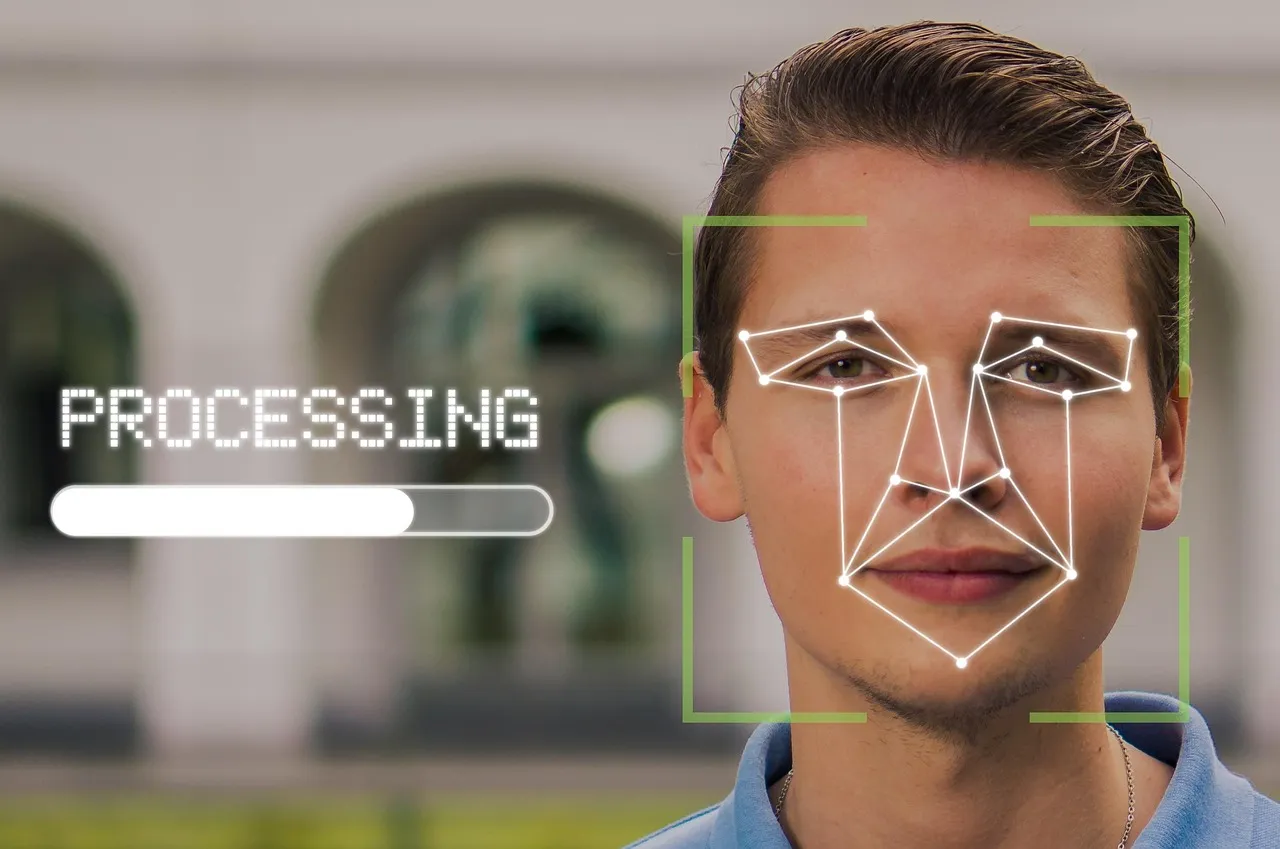
Your smart front desk in 3 steps
Install the system
Download and install it on the condominium’s server. Windows, macOS or Linux.
Add the controllers
In the manager panel, add the front desk’s facial devices.
Done, it’s in sync
Residents and authorized visitors are sent to the controllers automatically.
Residents register their face from their phone
Guided face capture gets the right photo the first time. And visitors get a link to register before they arrive.
- Guided face capture in the app and on the web
- Visitors register through a link sent by the resident
- QR Code pass for those who don’t use facial access
- Access history in the manager panel
More security and shorter lines
Download the Facial Access System
Choose the version for the condominium’s server.
Looking up the latest version…Frequently asked questions
Do I need a server at the condominium?
Yes. The system runs on a condominium server that stays on all the time and keeps the controllers in sync with the panel.
Do visitors need to download the app?
No. They get a link, register in the browser and can enter with facial recognition or a QR Code.
Which plan includes facial access?
The Plus plan, together with access control. See comparison
Want facial access in your condominium?
Our team helps you choose the devices and set everything up.